Choosing the right thermal paper roll may sound really simple, like purchasing a grocery item, but it can make a big difference to your daily operations. If the roll is too wide, too thick, or too large in diameter, it might not fit your machine properly. Poor quality can also lead to faded receipts and unclear text. Whether you need thermal paper rolls for a retail billing counter or a restaurant it is important to check a few specifications before placing an order. The right roll should fit your machine, produce clear prints, and last long enough for your business needs.
What are thermal paper rolls?
Thermal paper rolls are specially coated paper rolls that produce text and images when exposed to heat. Unlike typical printed paper do not require ink cartridges or toner for standard thermal printing. A thermal printer uses a heated printhead to activate the paper sporting. The heated areas change color, creating text, numbers, and other printed information. This makes thermal printing a practical option for businesses that need to print receipts and transaction records quickly.
Where are thermal paper rolls used?
You can find thermal paper in many everyday applications. In retail stores and supermarkets POS systems use thermal paper to print customers bills and transaction details. If you are running a restaurant and cafe, billing machines and receipt printers print order bills and payment machines. ATM thermal paper rolls provide printed transaction details and withdrawal receipts. Thermal paper for billing machines supports quick printing in shops and other businesses. Depending on the printer type, thermal paper rolls might be used for receipts and tickets.
What Are the Standard Thermal Paper Roll Sizes?
Application | Example roll Width | Typical Consideration |
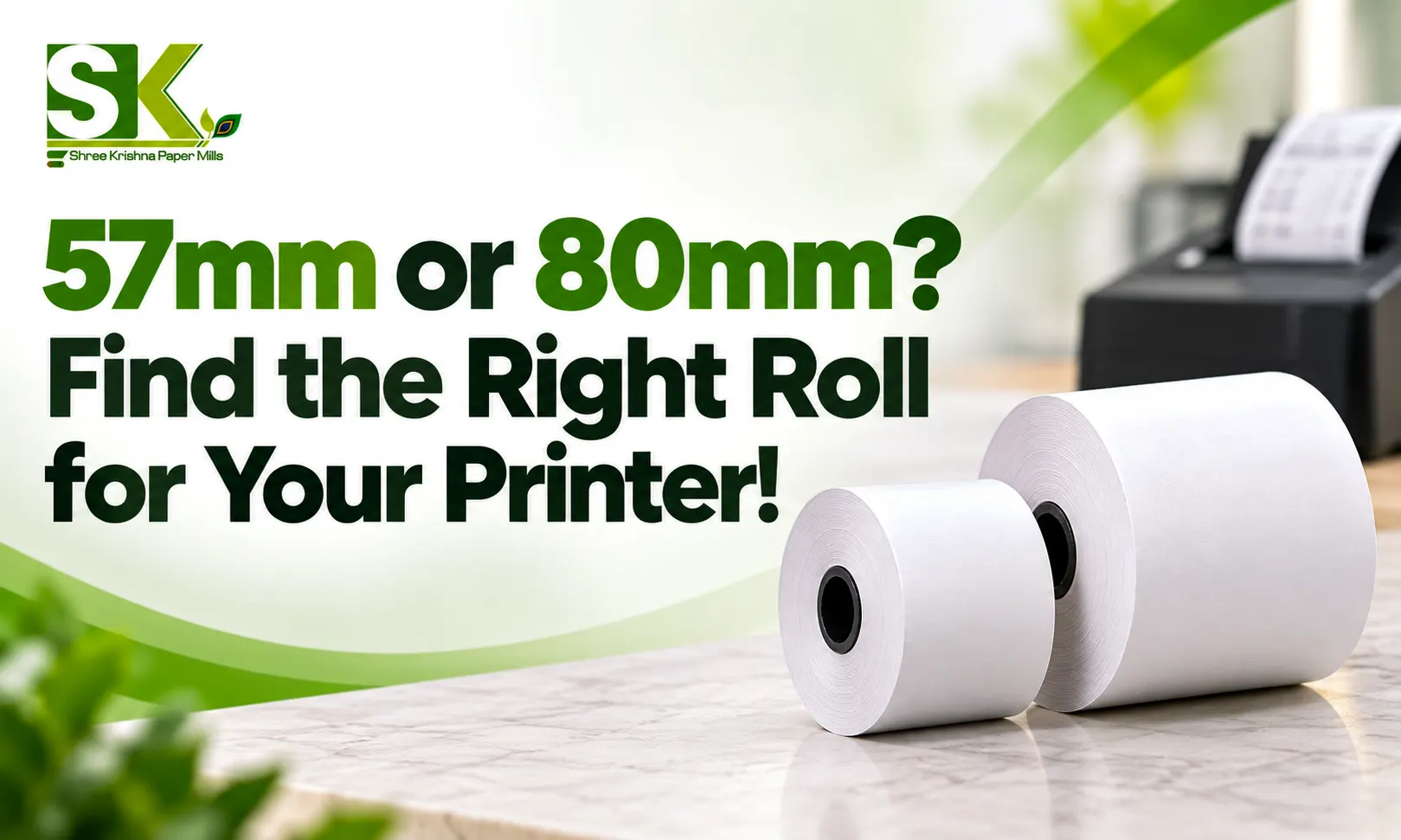
POS and billing machines | 57 mm or 80 mm | Receipt layout and printer capacity |
Card payment terminals | 57 mm | Compact roll diameter and core size |
ATMs | Varies by machine | Longer rolls and machine-specific specifications |
Thermal receipt printers | 57 mm or 80 mm | Supported paper width and roll diameter |
Barcode and label printers | Varies by printer | Media format and printer compatibility |
How to read thermal paper roll specifications?
Product specifications help you compare rolls before buying. Understanding the details also makes it easier to order the correct product repeatedly.
roll width and length
Which determines whether the paper fits the print path while length affects how many receipts you can print before changing the roll.
roll diameter and core size
The outer diameter determines whether the complete roll fits inside the machine. Core size matters because it affects how the roll sits on the holder or spindle. A roll can also be correct with and still be incompatible if its diameter or core dimensions do not matter the requirement.
Thermal paper roll GSM and thickness
GSM means grams per square meter. It measures the weight of paper over a standard area and is commonly used to describe paper grades. Thermal paper thickness, usually expressed in microns, refers to the physical thickness of the sheet. GSM and thickness are related, but they are not interchangeable. Thicker paper might feel more substantial, but that doesn’t automatically make it really better.
Printing surface and thermal sensitivity
The thermal coating determines how the paper responds to heat from the printhead. A suitable coating should produce readable text and good contrast at the supported settings. The paper must also be compatible with the printing method. Direct thermal printers use heat sensitive paper while thermal transfer printers generally use a ribbon to transfer an image onto a suitable level or other media.
Packaging and storage specification
Packaging protects the roll from dust moisture and physical damage during transportation and storage. When purchasing paper rolls in bulk you need to check the action the packaging keeps the paper clean and protected. If you need receipts to remain readable for extended time ask the supplier about the image stability and recommended storage conditions.
What size thermal paper roll do you need?
The correct roll depends on the machine you use and the type of information you print. A roll suitable for a small card terminal might not fit a full size billing printer.
Thermal paper rolls for POS and billing machines
Retail shop supermarkets cafes and restaurants commonly used POS rolls to print bills and customer receipts. Many receipt printers use 57 mm or 80 mm wild paper but the exact requirement depends on the printer model. Before purchasing you need to check the supported paper width and the maximum roll diameter. For busy billing counters or longer rolls can reduce interruptions caused by frequent replacements.
Rolls for card machines
ATM thermal paper rolls are selected according to the specifications of the particular ATM and its receipt printing mechanism. Some ATM systems require longer rolls to support repeated transactions without frequent replacements. The required width and core size And paper grade depend on the equipment. As ATMs might operate throughout the day, reliable feeding and consistent print quality are very important.
rolls for barcode printers
Barcode printers need a little more attention because not all thermal printers use the same printing method. Direct thermal barcode printers use heat sensitive media. Thermal transfer barcode printers basically use a ribbon and might require labels or other media designed for that process. For this reason you should not choose a roll based on a loan. If you are printing barcode labels rather than receipts make sure the media type is suitable for the job.
How to choose the right thermal paper roll?
Check the printer on machine specifications
You need to start with the equipment or manufacturer’s product information. It should identify supported paper sizes and other compatibility requirements. If the manual is unavailable, look for the machine model number and check the specifications.
Match the roll width and diameter
The roll width must fit the paper path while the diameter must fit inside the paper compartment. Check both measurements before placing any order.
Consider the required roll length
Think about how frequently your business prints receipts. A store with a high volume of daily transactions might prefer longer rolls to reduce replacement frequency. A small business with vocational transactions might not need the same capacity.
Check thermal paper thickness and gsm
Choose a paper grade the manufacturer recommends for your equipment. Paper that is too thick or unsuitable for the feed mechanism might create problems during printing. GSM and thickness can help you compare products but neither measurement alone guarantees better performance.
Choose the right paper grade for your application
Different users might call for different paper grades. Everyday retail receipts and payment records might have different expectations for print clarity and image retention. If customers or your business need to retain receipts for longer periods, ask about the papers amid stability and performance.
Consider storage conditions and Shelf life
Thermal paper can react to heat, humidity and certain chemicals. Poor storage might affect the paper before it is used or cause printed information to fade more quickly. Check the suppliers recommended storage conditions at any stated shelf life guidance.
How to check thermal paper roll compatibility
Before purchasing thermal paper rolls in bulk take a few minutes to confirm compatibility. This can help you avoid wasted stock and also unnecessary machine downtime.
Check maximum supported roll width and diameter: Compare both dimensions with the product specification. A roll that fits the width requirement might still be too large for the compartment.
Confirm the core size: Make sure the center tube fits the printer’s spindle or holder. Also check whether the machine requires a particular code design.
Verify the paper loading direction: Thermal paper has quoted printed sides. If the roll is loaded incorrectly the printer might feed the paper without producing visible text.
Match the specifications with the printer manual: Check the model specific requirements instead of just relying on general size charts.
Test print quality before buying in bulk: You need to print a sample receipt and inspect the text numbers and overall contrast. If you use barcodes, test whether the printed corns scanned correctly.
What determines thermal paper roll quality ?
2 rolls might have identical dimensions but perform differently. Paper quality depends on the Coating base paper manufacturing consistency and suitability for the printing application.
- Thermal coating and sensitivity: The coating reacts to the heat from the printer’s printhead. A suitable coating helps you produce clear images at the intended settings.
- Print clarity and contrast: Readable receipts are important for customers, employees and business records. Good thermal paper should produce clear text and consistent printing across the usable paper with. For barcode printing sufficient contrast is also important for reliable scanning.
- Smoothness and thickness: Paper should flow smoothly through the printer. Its thickness and surface characteristics should match the requirements of your machine. A roll that feels heavier or thicker is not automatically superior.
- Resistance to fading: Thermal print images fade quickly when exposed to unsuitable environmental conditions. Heat sunlight and contact with certain chemicals can affect readability. If the receipts need to be retained you need to ask the supplier about image suitability and follow the recommended storage guidance for both unused paper and printed records.
- Consistency during high volume printing: If you print hundreds of receipts you need a roll that performs consistently. Variations in paper thickness or roll winding might contribute to feeding problems and inconsistent results.
How to store thermal paper rolls properly?
Buying the right paper is only part of the process. Proper thermal paper storage helps protect unused rolls and preserve the quality of printed information.
- Keep roll away from heat: Avoid storing thermal paper near heaters or hot equipment.
- Protect them from sunlight: Store rolls in their original packaging or another suitable protective container.
- Prevent excessive pressure: You must avoid crushing rolls or placing heavy objects on them.
- Keep paper away from chemicals: Follow supplier guidance on avoiding contact with solvents, oil, and other substances that might affect coating.
How long does thermal paper last?
There is no single shelf life time that applies to every thermal paper roll. Storage conditions, paper formulation and supplier specifications all influence how long unused paper remains suitable for printing. Printed images also have different retention characteristics depending on the paper grade and the conditions in which receipts are kept. If you need receipts for accounting or other record keeping purposes ask your supplier about the paper’s image retention specification.
So choosing the right thermal paper rolls comes down to matching the paper to your machine and the work you need to do. The outer diameter core size and printing method all influence compatibility and performance. Before placing any order check the specifications, compare the available thermal paper roll sizes and select a suitable paper grade. Consider print clarity, image retention and storage requirements as well.