Have you ever printed a document just to find out that the paper feels too thin or the colors look dull? Sometimes the issue is not the printer but the paper you have chosen. Different printing jobs, different types of paper. The paper used for everyday office documents might not be suitable for a glossy brochure or a book that people will read for several hours. Factors like paperweight thickness and surface finish all affect how the final print looks and feels. Understanding the main printing paper types can help you make better choices whether you are printing at home or managing office supplies.
What are the different types of printing paper?
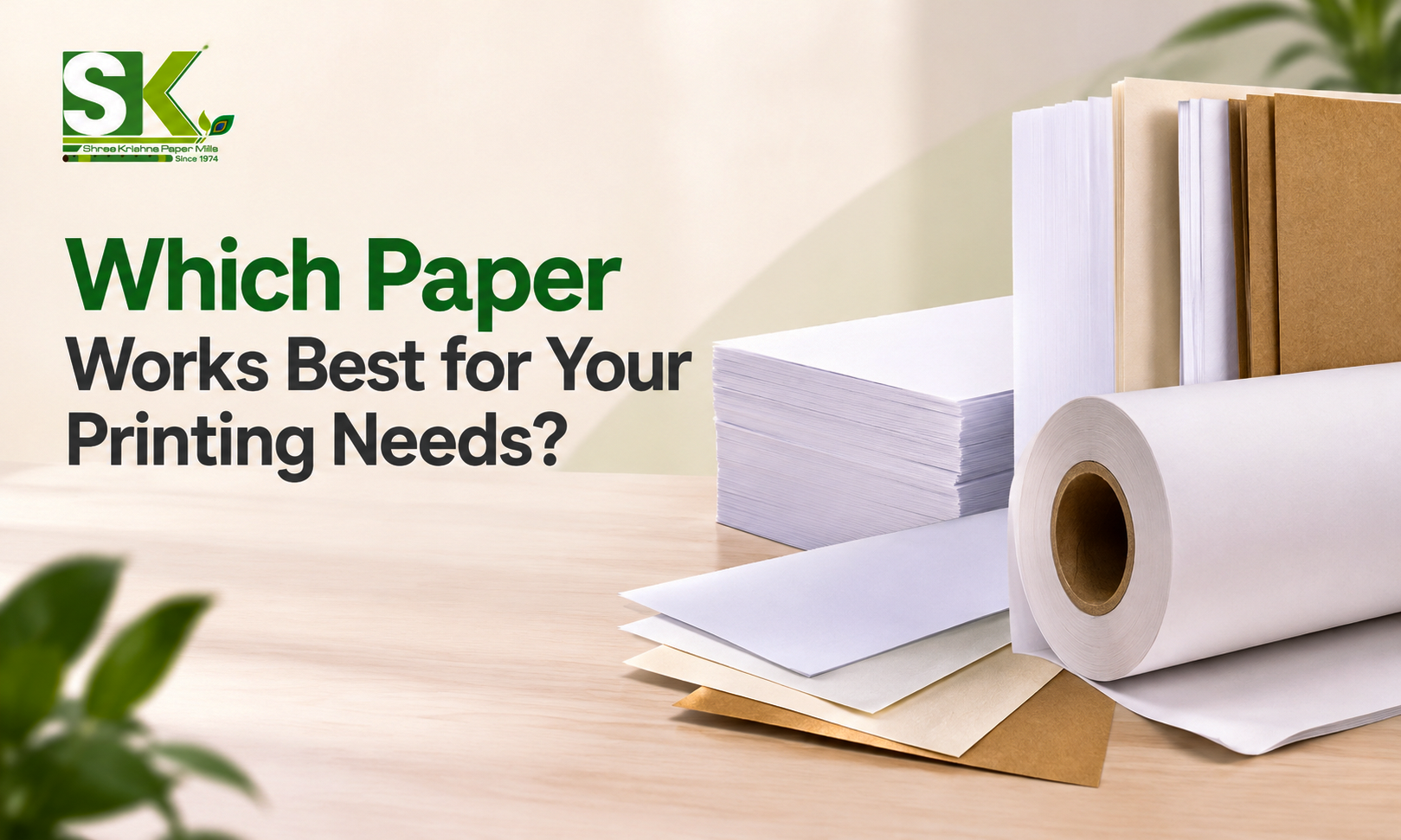
Printing paper is available in several varieties each designed for specific printing needs. Some papers have a smooth coated surface that helps printed images look sharp and colorful. Others have an uncoated surface that feels natural and also works well for reading and everyday documents. The main differences between paper types include their surface and finish besides the ability to hold ink and toner. For example a Business Report needs paper that is easy to read and handle while a promotional brochure might require a coated finish to make product images stand out. When comparing different types of paper for printing you need to consider factors like paper composition, surface finish GSM and thickness, brightness and opacity besides printability.
Common printing paper types and their uses
Wood free paper
Wood free paper is basically made from chemically processed pulp which removes much of the lignin found in wood. Despite its name it can still be made from wood fibers. It is widely used for documents and publications because it can provide a clean surface for printing text and images. Common applications include office documents and reports company stationery besides books and educational materials.
Maplitho paper
It is a commonly used uncoated paper in the Indian paper printing market. It is generally valued for its printable surface and suitability for routine commercial applications. You can use it for notebooks, exercise books or educational materials. Depending on the grade it can offer an amazing balance between print quality and writing comfort.
Coated paper
Coated paper has a surface treatment designed to improve smoothness and control how ink behaves on the sheet. It is a popular choice for printed materials where images and colour reproduction are very important. Glassy coated paper has a shiny surface that makes photographs and colorful graphics stand out. It is generally used for promotional brochures and product catalogs. Matte coated paper has a less reflective surface. It offers a clean appearance and can make text easier to read under certain lighting conditions. Coated paper is especially useful when a project contains detailed product photographs and illustrations.
Uncoated paper
Uncoated paper Does not have the traditional surface coating found on coated grades. It usually has a more natural feel and is often preferred for documents you have to read or write. You can generally find this paper in office documents, letterheads books and notebooks besides forms and worksheets. One of the main advantages is the writing surface. You can generally write on suitable uncoated paper without dealing with the slippery feel of some glossy finishes.
Newsprint
Newsprint Paper is a lightweight paper traditionally used for newspapers and other publications that require economical high volume printing. It generally has less refined surface as compared to premium publication papers and is designed for practical large scale production rather than a luxury finish. You can generally find them in newspapers or certain low cost publications.
Quick Comparison of Printing Paper Types
Paper type | Main characteristics | Common uses |
Wood-free paper | Available in coated and uncoated grades | Books, reports, stationery |
Maplitho paper | Uncoated paper used for routine printing | Notebooks, forms, educational materials |
Coated paper | Smooth surface, available in glossy and matte finishes | Brochures, catalogues, magazines |
Uncoated paper | Natural feel and suitable writing surface | Documents, letterheads, books |
Newsprint | Lightweight and economical | Newspapers and high-volume publications |
Printing paper sizes
Paper size is another important part of the selection process. Even if you choose the right paper type and weight the sheet must be suitable for your printer and the finished product. The series is widely used for office and commercial printing. Each size maintains the same proportions making it easier to scale documents between formats.
Common Printing Paper Sizes
Paper size | Dimensions in mm | Common applications |
A4 | 210 × 297 mm | Letters, reports, invoices, office documents |
A3 | 297 × 420 mm | Charts, posters, drawings, larger layouts |
A5 | 148 × 210 mm | Notebooks, booklets, planners |
A2 | 420 × 594 mm | Posters, presentation materials, larger graphics |
A1 | 594 × 841 mm | Posters, technical drawings, displays |
A0 | 841 × 1189 mm | Large-format plans, technical drawings, display graphics |
How to choose the right printing paper size?
The best size depends on what you’re printing. For routine office work a4 is usually a practical option because many standard office printers support it. A3 provides more space for charts and larger layouts, while A5 works for compact booklets and notebooks. Commercial printing requires a little more planning. If you are printing brochures or books you need to consider the final trimmed dimensions and how the design will be arranged on the press sheet.
Key Printing paper specifications to consider
Paper specifications tell you more than the product name. They help you understand how a sheet will feel and how it might perform during printing.
Gsm and paperweight
Gsm means grams per square meter. It measures the mass of paper over a standard area and is often one of the most common specifications used when buying printing paper. Paper with a lower GSM naturally feels lighter while a higher GSM often feels heavier and more substantial. For example lightweight paper might be suitable for high volume publications while heavier grades might be better for covers and business cards. The appropriate printing paper GSM depends on the purpose of the sheet and the finish you want to achieve.
Printing paper thickness and bulk
Thickness refers to how thick a sheet is. It is often measured in microns. Bulk describes the relationship between a paper’s thickness and its weight. 2 papers with the same GSM can have different thickness because of the differences in fiber structure and manufacturing. This matters when you need a specific feel or page volume. If thickness is important for your project ask the supplier the actual thickness and other specifications instead of just estimating gsm.
Paper brightness
Brightness Describes how much blue light a paper reflects under a specific measurement method. It is different from whiteness which relates to how colour is perceived. Brighter paper can make black text appear more distinctive and help colorful graphics stand out. But bright paper is not always the best choice for every application. For long form reading a software white or slightly off white sheet might be more comfortable for some readers.
Paper opacity
Opacity describes how much light passes through a sheet. Higher opacity generally reduces the visibility of printing from the Reverse side. It is especially important for double sided documents and notebooks. The paper is 2 transparent text or images from the back of the page might distract the reader. When selecting paper for double sided printing consider the opacity along with GSM thickness and the amount of ink or toner used on each page.
Paper smoothness and printability
Paper smoothness affects how the surface interacts with the ink and the printing process. A smoother surface can help reproduce fine text while the best surface depends on the equipment and paper Grade. Printability refers to how well the paper performs during printing. Factors like ink absorption and drying behavior and the ability to produce images should be considered.
How paper specifications affect printing quality
The specifications you choose influence how the final product looks and performs. It is worth considering them together other than just selecting paper based on one measurement.
Gsm and thickness affect handling: Heavier paper might feel more substantial while thinner paper can be easier to fold and might be more economical for large print runs. The right choice depends on whether you are producing a book or a brochure.
Brightness and opacity : A suitable brightness level helps text and graphics stand out. Good opacity helps reduce show through which is especially important for double sided printing.
Paper quality affects consistency: Variations in thickness, moisture coating and surface quality can affect feeding and printing results. For large commercial jobs consistency across the paper batch is very important.
Which paper is best for different printing applications
There is no single best paper for every printing job. A paper that works well for a glossy magazine might be inconvenient for handwritten notes while a standard office sheet might not give a brochure the appearance you want.
Paper printing for books
book paper should make reading comfortable and allow pages to be handled without unnecessary bulk. Uncoated wood free paper is often suitable for novels and educational books. The choice of color and bulk depends on the content and design. Books containing many photographs or detailed illustrations might benefit from coated paper depending on the Desired image quality.
Printing paper for brochures
Brochures often need to make a strong visual impression especially when you include product photographs or brand colours. A common choice here is coated paper because the surface can support detailed images and vibrant colors. Glossy paper creates a shiny look, while matte paper offers a more understated finish.
Printing paper for magazines
Magazines frequently combined photographs and written content. The paper needs to support the design while keeping the finished publication practical to handle. Coated Paper often is used for image heavy pages because it can provide colour production and surface smoothness. Lighter paper might be selected for publications with many pages to manage overall weight and cost.
Printing paper for business documents
For everyday professional documents a suitable uncoated paper is often the most practical option. Reports, letters, invoices, and general office documents usually need clear text and reliable printer feeding and a surface that works with pens when handwritten notes are required. A common size here is A4.
Printing paper for notebooks
Notebook paper must support comfortable writing. In many cases, double-sided, uncoated paper is a practical choice because it provides a surface suitable for handwriting. Opacity is also important especially when users write on both sides of the page.
How to choose the right paper for printing?
If you are unsure which paper to buy, start with the printing job rather than the paper catalogue.
Identify the printing method
First check whether you are using an inkjet printer, laser printer or commercial printing process. Different methods have different media requirements. For example, some inkjet printers require specially coated paper, while laser printers need paper that can withstand heat during toner fixing.
Consider the purpose of the printed material
Consider how the paper will be used after printing. A report needs to be readable, a brochure needs to present an image as well and a notebook needs a suitable writing surface. A book might require a balance between pages thickness and overall weight.
Select the appropriate GSM and thickness
Check the supported paper weight and dimensions before deciding on the product. You need to choose a GSM that provides the required feel without causing feeding issues. If thickness or bulk matters check the specifications separately.
Evaluate brightness opacity and finish
These factors affect both appearance and usability. For colorful marketing materials a suitable coated paper might be preferable. For reports and notebooks, uncoated paper might be more practical. If you plan to print on both sides, pay particular attention to opacity.
Balance print quality with handling and cost
Premium paper can improve the look and feel of a finished product but it’s not always important. For routine documents, standard office paper might be sufficient. For a high-quality product catalog, investing in a suitable coated grade might make a noticeable difference. When calculating costs for a commercial project consider the total quantity and printing performance besides finishing requirements and delivery specifications.
Check compatibility before bulk purchasing
Before ordering large quantities, you need to confirm the product specifications with your printer manual or commercial printer. If possible, request samples and run a test print. Check whether the paper feeds correctly, whether the ink or toner produces the expected results, and whether the finished sheet meets your requirements.
Conclusion
So choosing the right paper is an important part of producing clear, attractive, and practical printed materials. The different paper types serve different purposes from everyday business documents and notebooks to brochures and magazines. Before buying, consider the paper type, GSM thickness and smoothness.
Each specification affects the final result, but its importance depends on the printing method and intended application. The best approach is to match the paper to the job and check printer compatibility and test samples when possible.